CQ Researcher Databases
The illustrations below are from CQ Public Affairs but all CQ databases follow the same procedures.1 Select the document you wish to export.
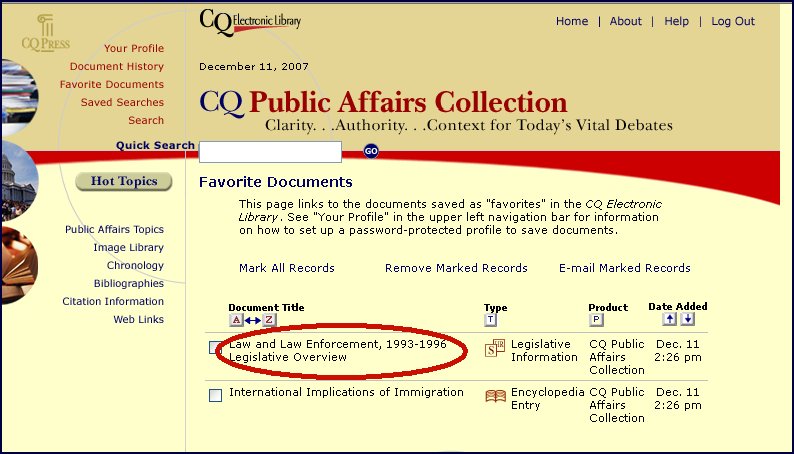
2. Once you have marked your document click on "Cite Now"

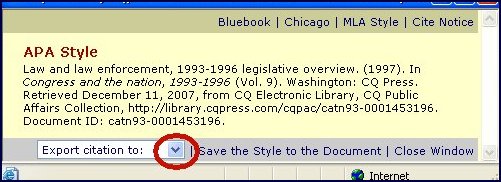
3. Use the "Drop-Down" menu for the next selection
4. Select RefWorks
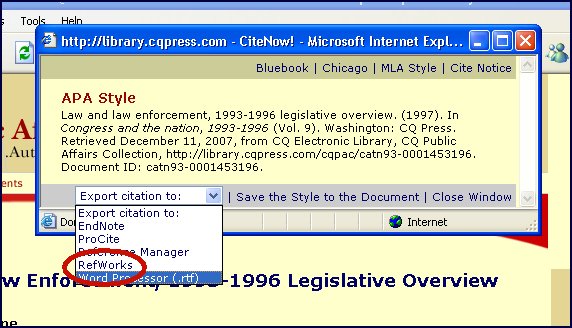
5. Items will export to RefWorks